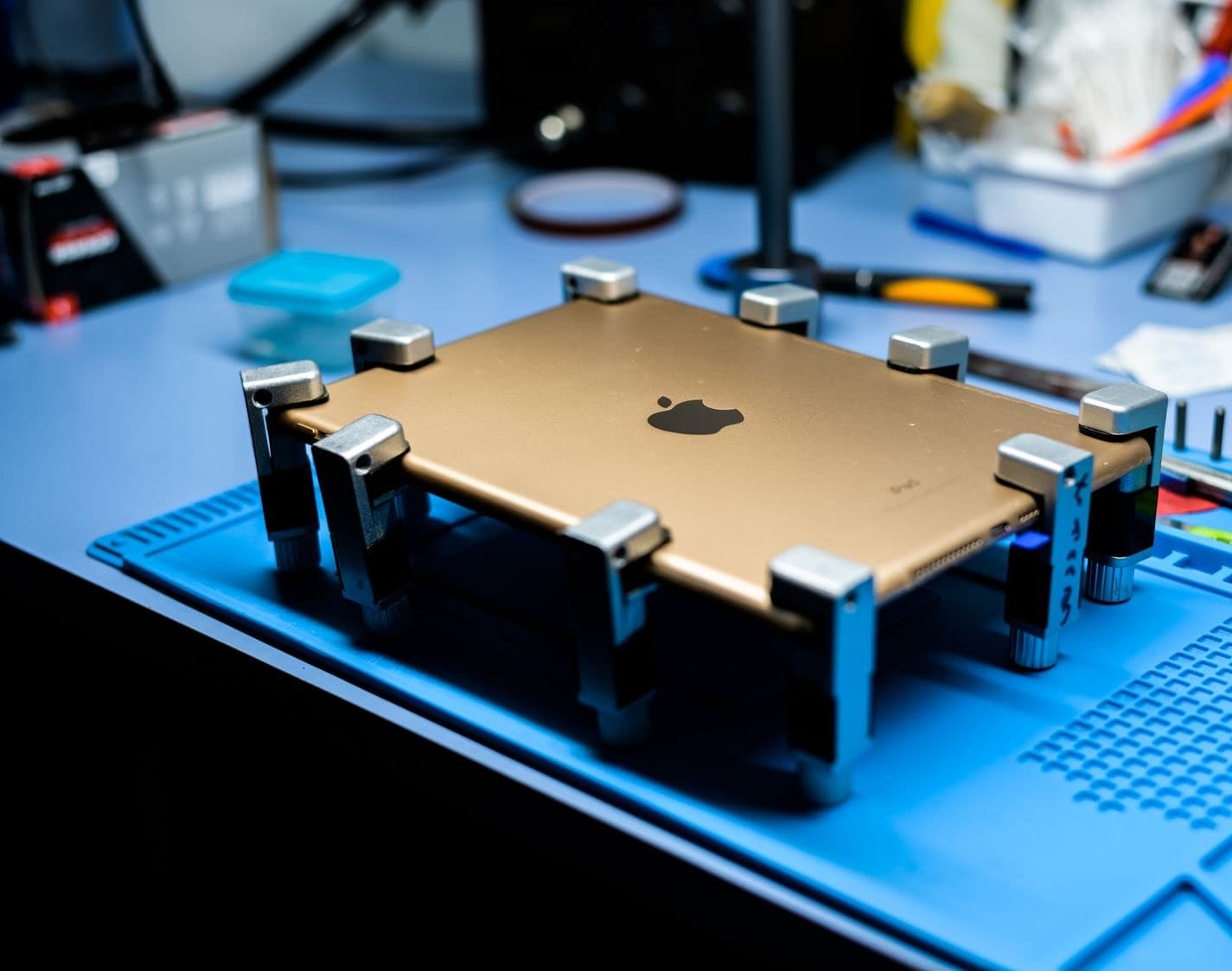
iPad charging port repair cost at Nova Fix runs from $69.99 to $249.99, depending on the model. Before you pay for a part, we test the cable and adapter and check the port for packed lint, so you do not pay for a repair when a cleaning would do the job.
A port is the part of an iPad you touch every day, and it collects whatever is in your bag. Plenty of iPads that seem to need a new port only need the old one cleaned. So the first thing we do is rule out the cheap answers, and you can do most of that at home.
How much does an iPad charging port repair cost?
These are our listed prices. If your model is not here, call (773) 741-6682 and we will price it before any work starts. The rest of our iPad repairs are on the full price list.
| Model | Port repair |
|---|---|
| iPad 10 | $150 |
| iPad 9 | $119.99 |
| iPad 7 and 8 | $119.99 |
| iPad 6 | $109.99 |
| iPad 5 | $99.99 |
| iPad mini 4 and 5 | $119.99 |
| iPad Air 2 | $109.99 |
| iPad Air 3 | $139.99 |
| iPad Air 4 | $199.99 |
| iPad Air 5 | $249.99 |
| iPad Pro 11 (1st, 2nd and 3rd gen) | $159.99 |
| iPad Pro 9.7 and 10.5 | $149.99 |
| iPad Pro 12.9 (3rd and 4th gen) | $199.99 |
How that compares with Apple
Apple does not list a charging port repair. Its estimator shows battery service and one "other damage" figure, and Apple inspects the iPad to set the final fee. We read those estimates on Apple's iPad repair page on November 5, 2026. A port fault that lands in "other damage" would cost around two and a half times our listed price on an iPad 9, and about double ours on an iPad Air 5. If your iPad is under warranty with no damage, or you have AppleCare, go to Apple first.
Why do some models cost more than others?
The ipad charging port replacement cost follows how hard it is to reach the part. On every iPad, you have to get past the display first. On older iPads with separate glass, that is routine. On an Air or Pro with a bonded display, removing the screen safely takes more time, and the risk of cracking it is real. So the part may be small, but the work around it is not.
USB-C ports on newer models carry more than power, which adds to the part cost. On some models the port is soldered to a flex or a board, and that takes micro soldering rather than a simple swap.
How can you tell it is the port and not the cable?
Run these in order.
- Try a different cable and a wall adapter you know works.
- Try the same cable on another device.
- Plug in and gently feel the connection. If the plug wobbles or falls out, suspect the port.
- See if charging cuts in and out when you touch the cable.
If a known good cable works, you just saved the price of a repair. If several good cables fail, or the plug will not seat, the port is the likely fault. Our iPad not charging guide has the full checklist, including why an iPad can say Not Charging with nothing wrong at all.
Can a dirty port be cleaned instead of replaced?
Often, yes. Lint packs in over months, and the plug stops short of the contacts, so charging becomes unreliable. A careful cleaning fixes that, and we check for it first. Clean it at home with a wooden or plastic toothpick. Turn the iPad off first, and never use metal. USB-C ports have a thin center tongue, so work around it.
Corrosion is different. If you see green or white residue, stop. That usually means liquid has been in the port, and cleaning at home will not fix it.
When is a port repair not worth it?
If the battery is also worn, a port repair alone may only buy you a short time, so check our iPad battery cost guide. On an older iPad that no longer gets iPadOS updates, or where the quote nears the price of a used replacement, we will tell you so.
When the port is the only fault on an iPad you like, the repair is usually a good deal. See how it works on our iPad repair page.