Nintendo Switch Repair in Chicago
We fix Joy-Con drift, cracked screens and charging problems on Switch, Switch OLED and Switch Lite. Call for a price, then drop it off on Chicago Ave or mail it in. Most repairs take 1 to 3 business days.
- Starting price
- Call for price
- Turnaround
- 1 to 3 business days
Do you need this repair?
- Your character moves on its own
- A cracked screen or a dead touch panel
- The Switch will not charge or will not turn on
- The dock will not put the picture on your TV
- A Joy-Con that will not connect or slide on
- Game cards that aren't recognized
How much does Nintendo Switch repair cost?
| Nintendo Switch repair | Price |
|---|---|
| Switch, Switch OLED, Switch Lite | Call for price |
Prices updated November 4, 2026.
Get my price
Tell us what happened and we will email you a price. Add a photo if you have one.
- You get the price before we start
- 90-day warranty on parts
- Walk-ins welcome, no appointment needed
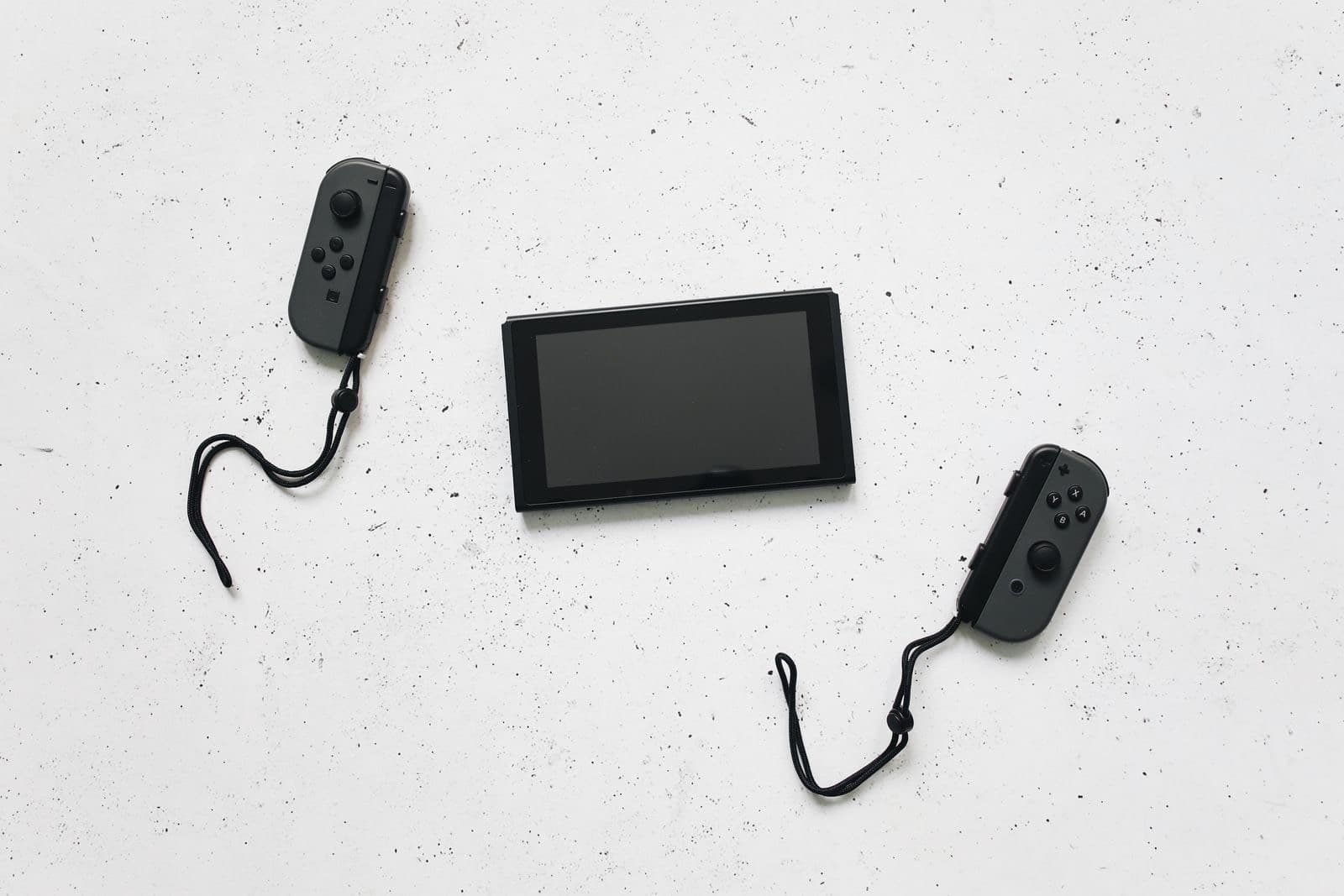
A Switch gets carried, dropped and handed to kids, so it wears out in very different ways from a console that stays under the TV. Nintendo Switch repair at our Chicago Ave shop covers the things that fail most: Joy-Con drift, cracked screens and consoles that won't charge or dock. We work on the Switch, Switch OLED and Switch Lite, including faults on the board.
Call (773) 741-6682 for a price on your repair, because Switch prices depend on the model and the part. Most repairs take 1 to 3 business days. Bring it to West Town during open hours or send it by mail-in from anywhere in the US.
Joy-Con drift
Drift means your stick sends movement when you aren't touching it, because the sensor inside the stick has worn out with use. It's the most common Switch fault.
Try the free fix first. Open System Settings, then Controllers and Sensors, then Calibrate Control Sticks. Update your controllers from the same menu. If the stick still wanders, Joy-Con drift repair means opening the controller and fitting a new stick.
On a standard Switch or OLED the Joy-Con comes off, so you only need to send the controller. The sticks on a Switch Lite are built in, so the whole console comes in.
Before you pay anyone, check Nintendo's support site. Nintendo has repaired Joy-Con drift at no charge in the US, and it's worth finding out whether that applies to yours. The catch is the wait. You send the controller away, and it comes back when it comes back. Many people would rather have it fixed in a couple of days.
Cracked screens
All three models can crack, and they don't all break the same way. On the original Switch and the Lite, the glass and the display underneath are separate layers, and a crack can leave the picture untouched. The Switch OLED's panel is bonded, so cracked glass usually means a full panel. Tell us the exact model and whether the picture and touch still work, because that decides the job.
A Switch screen replacement is delicate. The console has to come apart further than most people expect, with tiny cables running from the tablet to the rails, so it's a poor first repair to try at home. If the screen protector is cracked but the glass underneath is fine, you're in luck. Peel it off and check.
When your Switch won't charge
When a Switch won't charge, start with what you can rule out for free.
- Use the official charger. A phone charger can't always power the console, especially from a flat battery.
- Leave it plugged in for a full hour. A fully drained battery can take a while to show any sign of life.
- Hold the power button for 15 seconds. That forces a shutdown, then you can press it once more to start.
- Try the dock, then the cable. If it charges one way but not the other, tell us. That detail helps us find the cause.
If the USB-C port feels loose, that's usually physical wear. If the port looks fine and nothing helps, the charging chip on the board may have failed. Third-party docks and cheap chargers have been linked to that kind of failure, so mention it if you've used one. Our board repair work covers both.
Won't dock or no picture on TV
If the Switch works in handheld mode but shows nothing on the TV, try a different HDMI cable and TV input, then reset the dock by unplugging everything for 30 seconds. Connect the power first, then HDMI, then the console. If it still won't send a picture, the fault may be the dock or the console's port, and we can test both.
Is it worth fixing?
A drifting Joy-Con is usually worth fixing, so compare our quote with the price of a new pair. A Switch Lite with drift is worth repairing too, since the console is otherwise fine. If the screen, port and battery all need work on an older console, compare the total with a used Switch. We will give you the number and our honest view.
Getting a price
Call for a price on your repair, or start a quote request with your model and a photo. We confirm the cost before we start. Parts carry our 90-day warranty, and labor may apply. For other consoles see game console repair, or start a mail-in request.
How does the repair work?
1
Find the fault
We check the stick, screen, port or dock connection.
2
Get the price
You get a price before we start.
3
Repair it
We replace the failed part or repair the board.
4
Play-test
We play-test it, in handheld and docked mode where it applies.
What do customers say?
4.5 out of 5 from 121 reviews on Google Maps
- Tram Le
5 out of 5, 3 months ago
Needed my laptop keyboard replaced, but I couldn’t be without my laptop for a few days. I bought the replacement keyboard on Amazon and found him through Yelp. After watching a YouTube video, I quickly realized it was more complicated than I wanted to tackle myself! He replaced the keyboard within a couple of hours, and I picked it up the same day. Straightforward, fast, and clearly knows what he’s doing. Highly recommend!
View on Google Maps - A
5 out of 5, 10 months ago
Came in with a iPhone SE 2016 with 64% battery health. Was told at another store that they wouldn’t be able to help. At Nova Fix Alex fixed it for me in under an hour for $60! Super worth it, fast and efficient!! Thank you!
View on Google Maps


What do people ask us?
Can you fix Joy-Con drift?
Yes. Drift usually comes from a worn analog stick, so replacing the stick fixes it in most cases. Try calibrating the stick in the Switch settings first, since that sometimes helps. If your character still moves on its own, bring the Joy-Con in or mail it to us.
How much does Switch repair cost?
Call us for a price on your Switch. It depends on the model and on what failed, so we quote each repair directly. You will hear the price before we begin, and it will not change without your say. Mail-in customers get the same price check before any work.
Why will my Switch not charge?
The cause can be a worn USB-C port, a failed charging chip on the board or a tired battery. Try the official charger and the dock first. If nothing works, we will find out which part failed. Many of these faults need soldering, which we do here in the shop.
Can you repair a Switch Lite?
Yes. The Lite has its controls built in, so a drifting stick means opening the console rather than swapping a Joy-Con. It takes more work, but we do it. We quote the Lite separately from the standard Switch and the Switch OLED, and it can't be sent in as a loose controller.
Do you repair the Nintendo Switch 2?
Call us first. The Switch 2 is a newer console, and parts availability changes quickly. If yours is still under Nintendo's warranty, start there. Otherwise tell us what happened and we will tell you whether we can get a good part and what the repair would cost.
Will I lose my saved games?
A hardware repair doesn't normally touch your saves. Switch saves live on the console's internal storage, not on the game card or a microSD card. If you have Nintendo Switch Online, cloud saves give you a backup. Nova Fix isn't responsible for data loss during repair, so back up what you can.
Bring it in today.
Walk in during open hours or book a time. You get the price before we start.