Mail-in console repair from anywhere in the US
PS5 and Xbox Series X HDMI port replacement is $149.99. Send it to us and we ship it back fixed. Nothing ships until we confirm the steps with you.
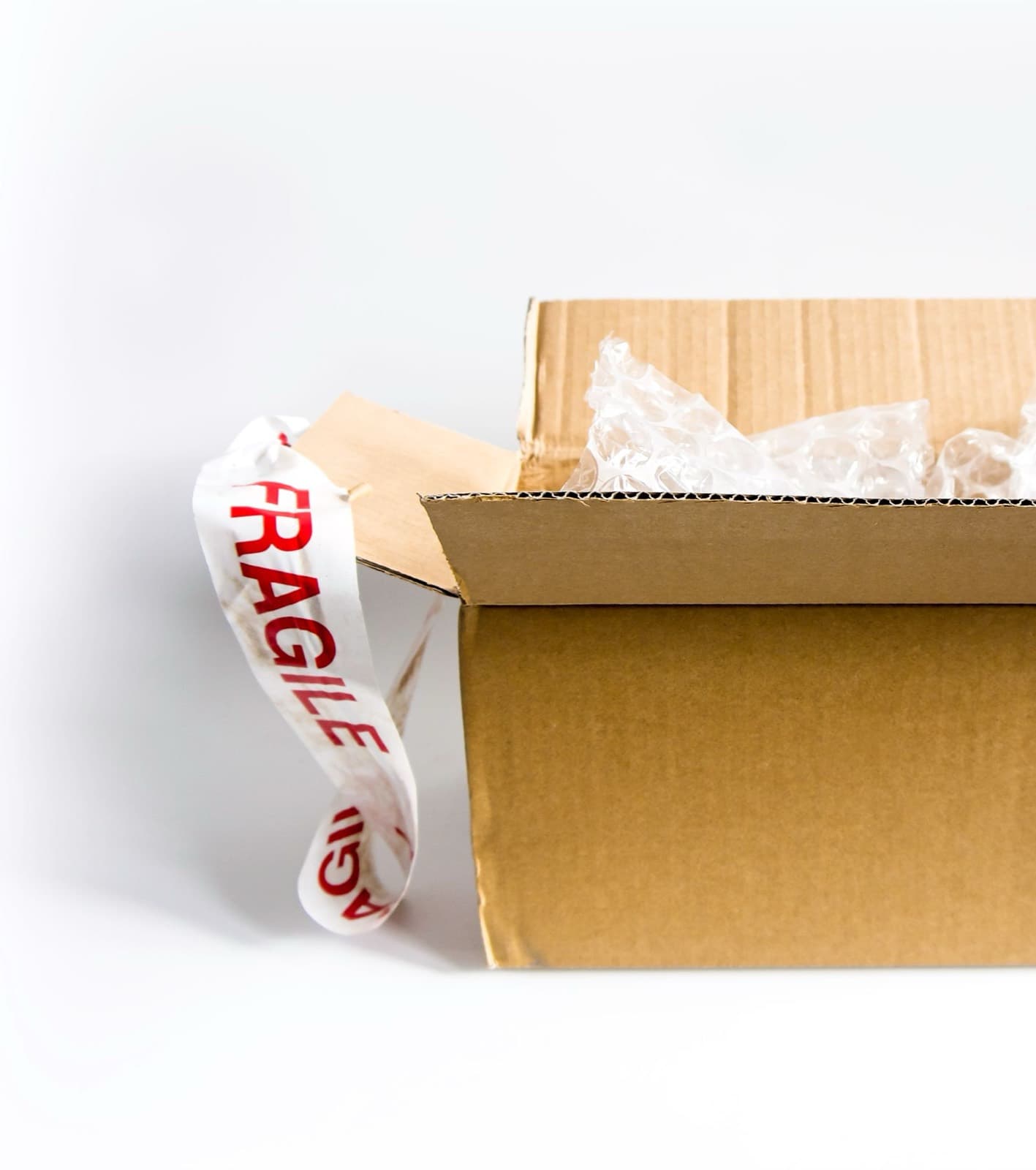
Not every town has someone who can solder a new HDMI port onto a PS5 board. That is why mail-in console repair exists. You send the device to our bench at 1927 W Chicago Ave in Chicago, we test it and quote it, and you only pay for the repair you approve.
What can you mail in?
Mail-in works best for repairs that need bench work or are hard to find locally. Prices below are the same ones we charge at the counter, before shipping.
- Consoles. For mail-in PS5 repair, the usual job is HDMI port replacement is $149.99, and Xbox Series X is $149.99. Switch repairs and other console faults are quoted after testing.
- Laptops. MacBooks and Windows laptops. A Flexgate fix is $250.
- Phones and tablets. Mail-in phone repair suits board faults and devices that local shops have given up on. See board repair.
- Data recovery. Phones and computers, with computers at $200.
- Apple Watch and graphics cards. Watch screens and batteries and GPU connectors.
For a simple cracked screen or a battery, a nearby shop is usually faster and cheaper once you count shipping both ways. We would rather tell you that than take the job.
How does mail-in work?
1
Start the form
Tell us your device and what is wrong.
2
Get your steps
We email the address, packing notes and a rough price.
3
Ship it to us
Pack it well and keep your tracking number.
4
Approve the price
We test it within one business day and send you the final quote.
5
We fix and return it
You pay, and we ship it back with tracking.
How long does each repair take?
Add shipping both ways to these bench times. Most carriers take 2 to 5 days each way, depending on where you are and the service you pay for.
- Console HDMI ports: 1 to 2 business days.
- Laptops and Switch repairs: 1 to 3 business days.
- Board-level repair and data recovery: 2 to 5 business days.
- Graphics card connectors: 3 to 5 business days.
How should you pack your device?
- Back up and sign out of your accounts if you can.
- Take out SIM and memory cards.
- Use a sturdy box with at least two inches of padding on every side. Don't use a padded envelope.
- Put a console or laptop in a plastic bag first, so packing peanuts can't get into the vents.
- Include your name and phone number inside the box.
- Take photos of the device before you seal the box.
Don't ship a device with a swollen battery. Lithium batteries that have swollen are unsafe to send, and carriers have rules against it. Call us first and we will talk through your options.
What does mail-in cost beyond the repair?
Two things. You pay to send the device to us, and the return shipping is added to your quote. Your quote shows the total, and nothing happens until you approve it.
Is mail-in covered by the warranty?
Yes. Parts carry the same 90-day warranty as a walk-in repair, and water damage repairs carry 30 days. Labor may apply. If you need to make a claim, contact us first, before you ship anything back.
Start your mail-in
Nothing ships until we confirm the steps with you.
What do people ask us?
Who pays shipping?
You pay to send the device to us, using the carrier you prefer. Return shipping is added to your repair quote, so you see the full total before you approve anything. Start the form on this page and we will email you the details during open hours, with no obligation to go ahead.
What if it can't be fixed?
We tell you what we found and you decide what happens next. If the repair isn't possible, or the price doesn't make sense to you, nothing further happens, and we ship the device back. You cover the return shipping, and we tell you that cost before it goes out. Unclaimed devices follow our 90-day pickup policy.
How long does mail-in take?
Allow 1 to 2 weeks door to door for most repairs. We check your device within one business day of arrival, then the repair itself usually takes 1 to 3 business days. Board-level work, data recovery and parts we have to order take longer, and we give you a date with your quote.
Is my device insured in transit?
Buy insurance from your carrier for the full value of your device, and choose a service with tracking and signature on delivery. We are not responsible for loss or damage on the way to us, so keep your receipt and take photos before you seal the box. Tell us if you want return insurance, and we will add it to your quote.
Should I turn off Find My before mailing?
If the device still works, yes, that's the safest route, and recent iOS versions also offer a Repair or Trade In option inside Find My. If it won't turn on, send it as it is. Don't erase anything, and remove your SIM and memory cards. Your passcode helps us test the repair, but sharing it is your choice.
Do I need to send the charger or controller?
Usually no. Leave out cases, controllers, games, cables and accessories, so nothing gets lost. Laptops are the exception if you think the charger is part of the fault, and Joy-Cons can come on their own if the console itself is fine. We will tell you when we confirm the steps.
Bring it in today.
Walk in during open hours or book a time. You get the price before we start.