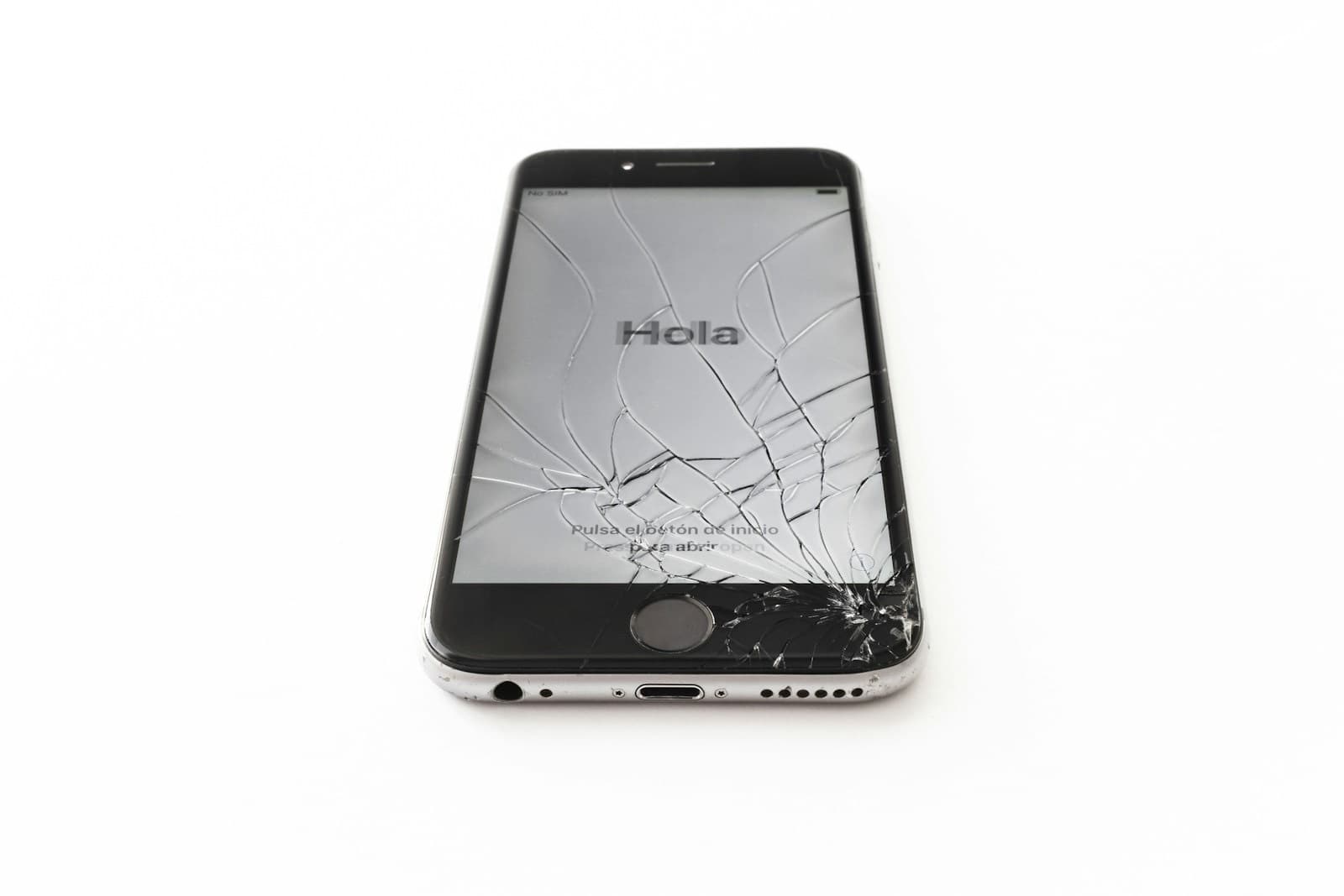
Before you sell a broken iPhone, get three numbers: the repair price, the trade-in value as broken, and the resale value once fixed. If repair plus broken value comes to more than the fixed value, sell it as is. Otherwise, fix it. Wipe your data before it leaves your hands.
Should I sell my broken iPhone or fix it? It is a fair question, and the answer is usually hiding in three numbers you can get in ten minutes. A broken iPhone still has value, and the worst outcome is selling a phone for less than a cheap repair would have made it worth.
This guide covers selling it elsewhere. It isn't an offer from us to buy your phone. We fix phones, so we can give you one of the three numbers, and the rest is yours to check.
The three numbers to get
Get these for your exact model:
- Repair price. Look it up on our price list. Screens start at $89.99 and batteries at $49.99.
- Value as broken. Get a trade-in quote from your carrier, from Apple Trade In, or from a buyback site. Answer the condition questions honestly.
- Value once fixed. Search recent sold listings for the same model in working condition. Sold prices, not asking prices.
If the repair price plus the value as broken is less than the value once fixed, repair it. You come out ahead, or you keep a working phone. If it's more, sell or trade it as is.
You can also keep using it. If you were only selling because of the damage, a screen repair or new battery can give you more time for far less than a new phone.
Is it worth repairing iPhone damage before you sell?
Repair usually wins when the phone is newer and has one simple fault, such as a screen, a battery or a charging port, and you would keep it if it worked. The gap between "broken" and "working" is largest on recent phones.
Selling usually wins when the phone has several faults at once or the model no longer gets iOS updates. It can also win when a carrier promotion gives you more for any trade-in, regardless of condition. Check the fine print on those: many need a new contract, and the credit arrives monthly.
How to sell my broken iPhone without getting burned
Trade-in is the easiest route and usually pays the least. Selling to a private buyer usually pays the most and takes the most work.
Trade in broken iPhone models with care. Programs grade condition after they receive the phone, and a lower grade can mean a lower final credit. Take photos of the phone before you ship it.
On a marketplace, describe every fault. Photograph the damage, state exactly what works and what does not, and include the model and storage. Buyers of broken phones are often repairers, and they will check.
Meet safely for local sales. Use a public place. If your police station has a marked exchange zone, use it.
Say whether it has been repaired before. Apple notes that an unknown part may affect trade-in value. Check Settings, General, About, then Parts and Service History so you know what a buyer will see.
Wipe your data first
Apple's checklist is the one to follow. Don't hand over any phone until you have done these steps:
- Back up. Use iCloud or a computer if the phone still works.
- Check Parts and Service History for a Finish Repair message.
- Unpair your Apple Watch, if you have one.
- Sign out. Open Settings, tap your name, then Sign Out. This turns off Activation Lock.
- Erase. Open Settings, tap General, then Transfer or Reset iPhone, then Erase All Content and Settings.
- Remove your SIM. If you use an eSIM, your carrier can help you move it.
If the screen is dead, you can erase the phone remotely through iCloud. A phone that is still linked to your Apple Account is close to worthless to a buyer, so this step protects the sale as well as your privacy.
If it holds photos you can't replace, ask about data recovery before you let it go. More options are on our iPhone repair page.