If your iPad won't turn on, plug it into a wall outlet and leave it for up to an hour, because a flat battery can take a long time to show any sign of life. Then force restart it. If it stays black, the likely causes are the battery, the screen or, less often, the board.
Patience is step one, and it is the step most people skip. iPads have big batteries, and one that has run completely flat can take a long time to show anything at all. So if the screen stays black for five minutes on the charger, that tells you very little. Here is the order to work in.
Why won't your iPad turn on?
The usual causes, from most to least likely:
- The battery has run completely flat, often after weeks in a drawer.
- The software has frozen on a black screen.
- The charger or cable is too weak to wake it.
- The display has failed, so the iPad is on and you can't see it.
- The battery has worn out.
- A fault on the board, often after liquid or a hard drop.
How long should you charge it before giving up?
Use a wall outlet, a known good cable and a proper adapter. Do not use a laptop, because Apple says a computer may not provide enough power, and it can even drain an iPad if it's turned off.
Then wait. Apple says an iPad that is extremely low can stay blank for up to 2 minutes before the low-battery image appears, and it may need up to 10 minutes after that before you can use it. Apple's guidance for an iPad not turning on is to allow up to an hour.
If you see the low-battery image, the battery and the screen both work. Leave it alone and it should come back. Our iPad not charging guide covers what to check if it never appears.
How do you force restart an iPad?
This does not erase anything. The buttons depend on your model.
iPad without a Home button:
- Press and quickly release the volume button closest to the top button.
- Press and quickly release the volume button farthest from the top button.
- Press and hold the top button until you see the Apple logo.
iPad with a Home button: press and hold the Home button and the top button together until you see the Apple logo.
Keep holding for longer than feels necessary. Many people let go too soon.
Is it the battery, the screen or something else?
Try this in a dark room.
| What you notice | What it points to |
|---|---|
| Low-battery image after charging | Flat battery. Keep charging |
| Sounds or vibration, no picture | The screen |
| A faint image under a flashlight | The backlight or display |
| Your Apple Pencil or keyboard responds | iPad is on. Likely the screen |
| It shows in Finder or on a PC | iPad is on. Likely the screen |
| Dies right after the logo | A worn battery |
| Warm with nothing on screen | Possible board fault. Unplug it |
| Nothing at all, after an hour | Battery, port or board |
If your iPad screen not turning on but still has power, you may be looking at a display repair and not a dead iPad. That is usually good news for your data. Our iPad repair page covers what the work involves, and the display and glass prices are on our screen cost guide.
An old iPad that dies straight after the logo, or only runs on the charger, usually wants a battery. Our iPad battery cost guide has the prices, with Apple's estimates beside them.
What can you do if the iPad will not restore?
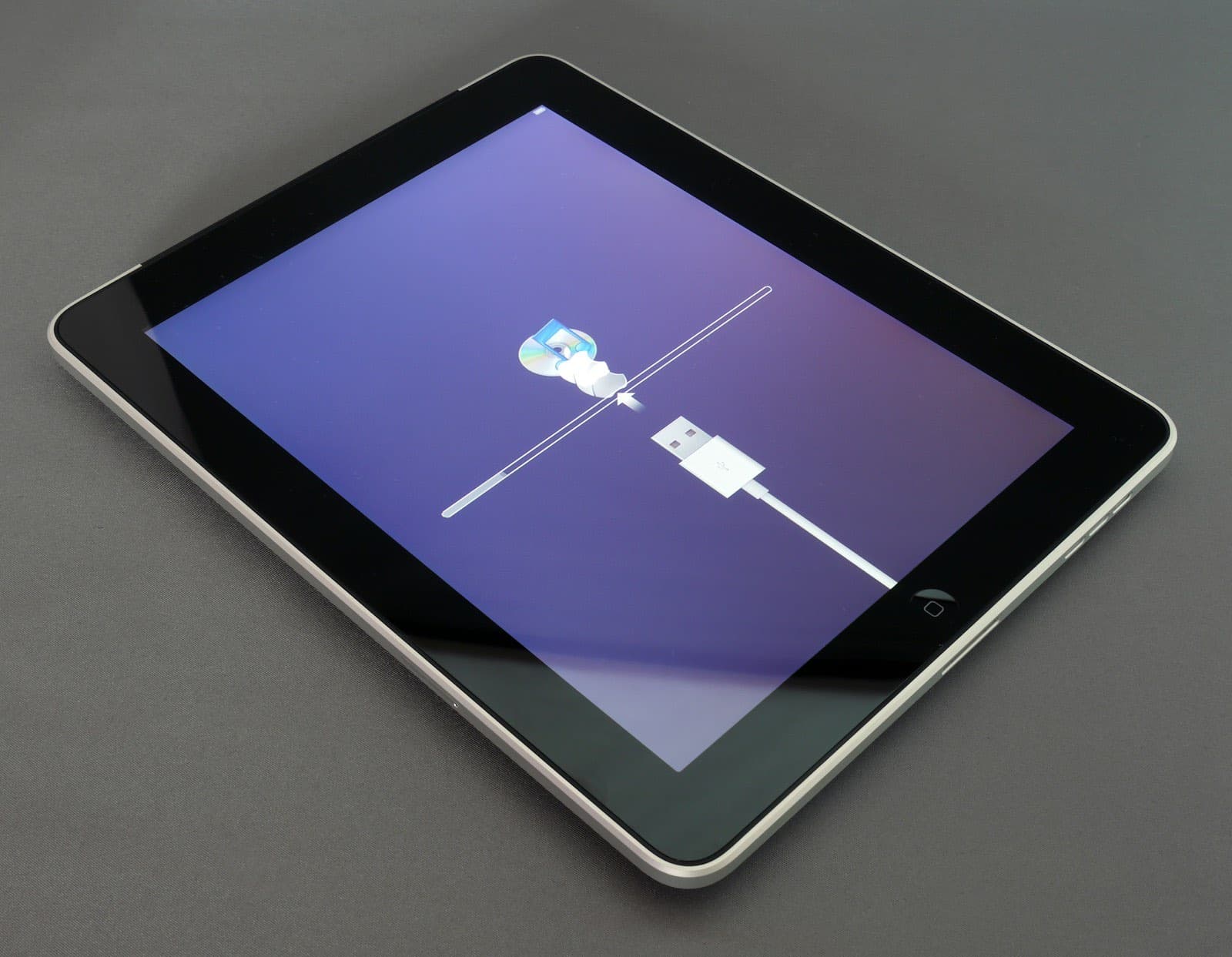
If the iPad starts but sticks on the Apple logo, connect it to a computer and put it into recovery mode. Use Finder on a Mac, or the Apple Devices app or iTunes on a PC. Apple's recovery steps start with the same buttons as a force restart, but you keep holding until the recovery screen appears.
When you get the choice, choose Update, not Restore. Update tries to keep your data. If the download takes more than 15 minutes, the iPad leaves recovery mode, and you repeat the steps.
If Update fails, stop and think about what is on the iPad. Restore erases everything. If you have no backup and the photos matter, read about data recovery before you go any further. An error during a restore can also point to a hardware fault, and repeating it won't help.
What it usually costs to fix
No one can quote a dead iPad before opening it, but you can narrow it down. A battery is listed from $79.99 to $249.99, a screen from $69.99 to $499.99, and a board fault is quoted after testing.
If it's under warranty with no damage, or you have AppleCare, go to Apple first. Otherwise, bring it in with your charger, and we will test it before you commit to anything.