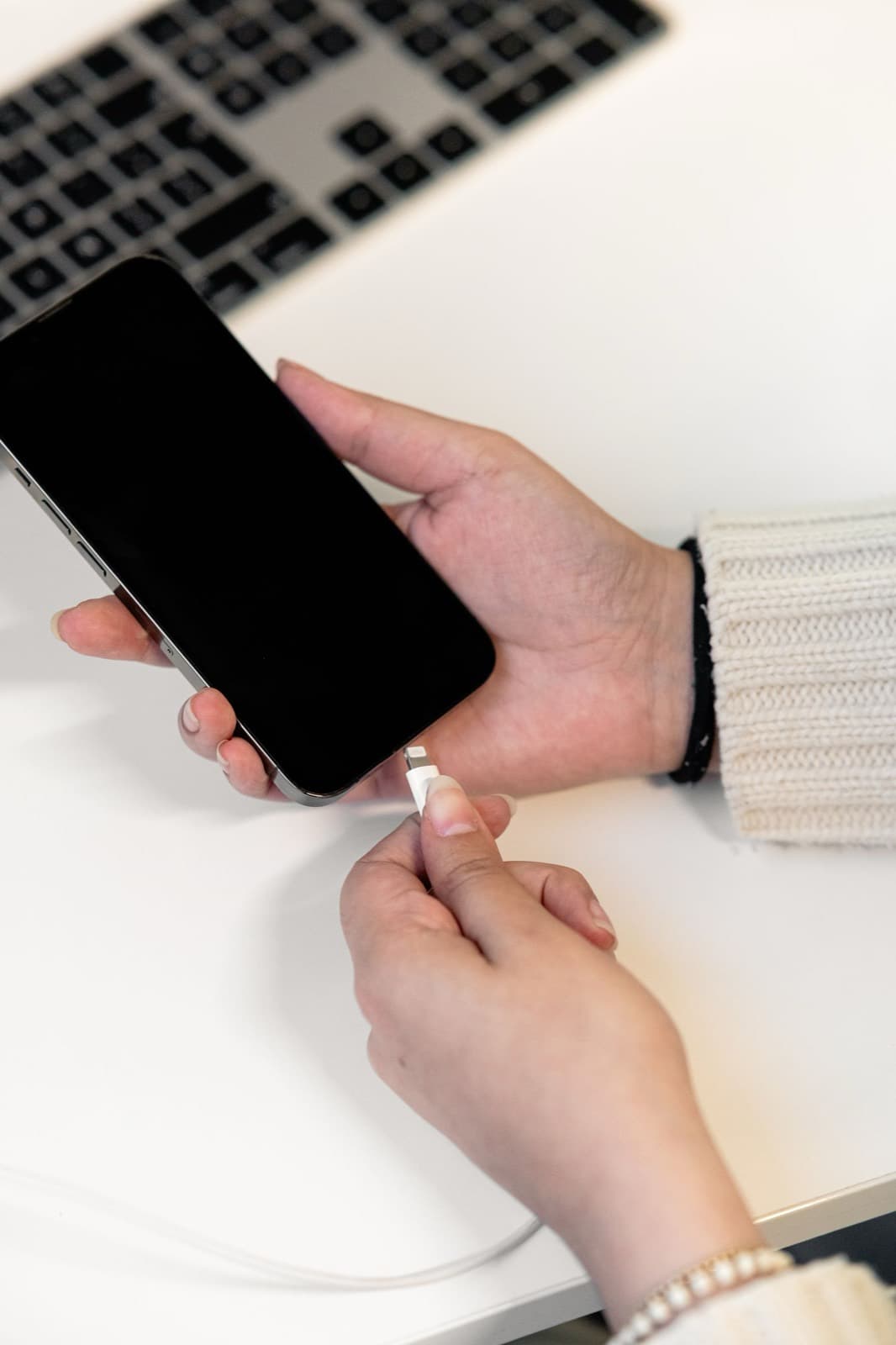
iPhone charging port repair cost at Nova Fix runs from $89.99 to $150 for listed models. The most useful thing to know is that plenty of phones need a cleaning or a new cable rather than a port, so we check those first, and you can too.
Nobody likes paying for a part they did not need, and charging ports are where that happens most. A phone that will not charge feels like a hardware failure, but a real share of them turn out to be lint. So before the prices, here is the short version: try another cable, then clean the port. If it still won't charge, the table below applies.
How much does an iPhone charging port repair cost?
These are our listed prices. iPhone 15, 16, 17, 18 and Duo are quoted by phone, so call (773) 741-6682.
| Model | Port repair |
|---|---|
| iPhone 14 Pro Max | $150 |
| iPhone 14 Plus | $130 |
| iPhone 14 | $130 |
| iPhone 13 Pro Max | $150 |
| iPhone 13 Pro | $129.99 |
| iPhone 12 Pro Max | $130 |
| iPhone 12 and 12 Pro | $149.99 |
| iPhone 12 mini | $129.99 |
| iPhone 11 Pro Max | $129.99 |
| iPhone 11 and 11 Pro | $119.99 |
| iPhone XS Max, XS, XR and X | $99.99 |
| iPhone SE (2nd gen) | $89.99 |
The rest of our work is on the full price list.
Which iPhone models cost the most to fix?
Pro Max phones sit at the top. The iphone charging port replacement cost is really a labor story: on many iPhones the port is part of a longer flex cable that also carries the microphones and other connections, and it sits under most of what is inside the phone. So how much to fix iPhone charging port damage depends on how much has to come out to reach it.
USB-C iPhones (iPhone 15 and later) are newer territory and are quoted by phone.
How that compares with Apple
Apple's estimator has no separate charging port line. It lists battery, back glass, camera, screen and "other damage", and Apple inspects the phone to set the fee. We read those figures on Apple's iPhone repair page on November 5, 2026. If a port fault lands in "other damage", that figure was roughly three to five times our port price across the iPhone 11 to 14 models we compared. Ask Apple what it would actually do for your phone. If your iPhone is under warranty with no damage, or you have AppleCare, go to Apple first, because that route can cost far less.
Is it the port, the cable or the battery?
| What you see | Most likely cause |
|---|---|
| Works with a friend's cable | Your cable |
| Plug feels loose or stops short | Lint in the port |
| Only charges at an angle | Lint, then worn contacts |
| Charges on a wireless pad, not by cable | The port |
| Charges fine, dies fast | The battery, not the port |
| Nothing by cable or wirelessly | Battery or board |
| Liquid alert appears | Moisture. Stop and let it dry |
Our iPhone not charging guide walks through each test in order.
Can a port be cleaned rather than replaced?
Often, yes. Pocket lint packs tight into the bottom of the port over months, and it can feel solid. Cleaning takes minutes, and we always check for it before we talk about parts.
Clean it yourself with the phone off, using a wooden or plastic toothpick. USB-C ports have a thin center tongue, so work around it. Metal tools can bend contacts or short the phone. If the contacts look corroded, or a cleaning makes no difference, the port has worn out and cleaning won't help.
Should you fix the port or replace the phone?
Fix it if the phone is otherwise healthy, still gets iOS updates and you want to keep it. A port is a contained repair, and it keeps everything on the phone exactly as it was.
Think twice if the battery is also tired or the screen is cracked, since the total climbs quickly. Weigh it against a working used phone too. If wireless charging works and you can live with it, some people on older phones skip the repair entirely, and that is a reasonable choice as long as you can still back up over Wi-Fi.
See how the job works on our iPhone charging port repair page. A dead phone that won't charge by any method needs a test before anyone quotes, so see our board repair page or call (773) 741-6682.