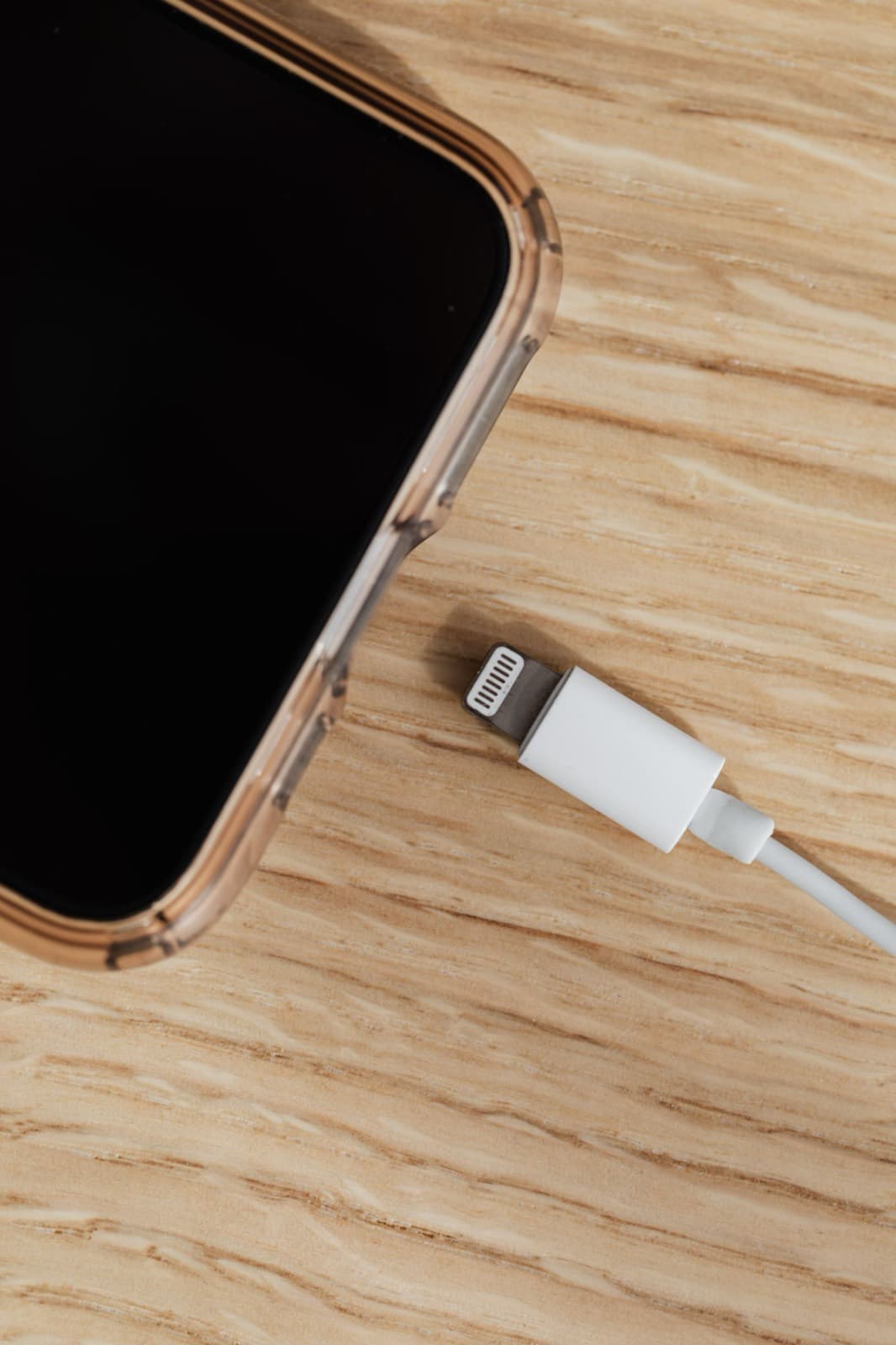
iPhone not charging? Try a different cable and wall adapter, check the port for packed lint, then force restart the phone. Most cases end there. If an alert mentions liquid, stop and let it dry. If nothing works by cable or wirelessly, the port, battery or board needs a repair.
An iPhone not charging feels serious and usually is not. The bench pattern across most repair shops is the same: the majority of phones that arrive as "dead port" are a tired cable, a packed port or a phone that is protecting itself. Everything below runs from free to expensive, so you can stop as soon as the phone comes back.
1. Read the alert, if there is one
An alert tells you more than any test. "Liquid Detected" or "Charging Not Available" means the phone found moisture in the connector and turned charging off on purpose. Unplug it. Apple's guidance is to tap the phone gently against your hand with the connector down, leave it somewhere dry with airflow, and wait at least 30 minutes before trying again. It can take up to 24 hours to dry fully. If you charge it wet, the pins can corrode for good. Our guide to a phone dropped in water covers the rest.
"Accessory Not Supported" is a different message. It usually means a damaged or uncertified cable, or a dirty connection.
2. Try a different cable and adapter
Cables fail first, usually near the plug. Borrow a cable and wall adapter you know work, and plug into a wall outlet rather than a laptop or power strip. This single step settles more cases than any other.
3. Clean the port safely
Pocket lint packs into the bottom of the port until the plug no longer seats fully. A plug that feels loose or stops short is the classic sign. Lightning and USB-C ports both collect it, but USB-C has a thin center tongue that bends, so be gentler on iPhone 15 and later.
- Turn the iPhone off.
- Shine a flashlight into the port.
- Gently lift out debris with a wooden or plastic toothpick.
- Never use a pin, paper clip or anything metal.
If the port is wet, skip this step.
4. Force restart, then give it time
A frozen phone can look like a charging fault. On iPhone 8 and later, press and release volume up, press and release volume down, then hold the side button until the Apple logo appears. Apple's charging steps then say to charge for another half hour. A fully flat battery can show nothing at first.
5. Check Optimized Charging and heat
Your iPhone may be pausing on purpose. Optimized Battery Charging can hold at 80 percent, and software can also limit charging above 80 percent when the battery gets too warm. Take it out of the sun, remove a thick case, and give it a few minutes.
6. Update iOS
If the phone has enough power to turn on, open Settings, tap General, then Software Update. Charging bugs do get fixed in updates.
7. Test wireless charging
On a model that supports it, set the phone on a wireless charger. This is the most useful test on the list. If it charges wirelessly but not by cable, the battery is fine and the iPhone charging port not working is your likely fault. If it does nothing either way, look at the battery or the board.
What usually turns out to be wrong
When an iPhone not charging problem survives all of that, or your iPhone won't charge even with a new cable, the fault tends to fall into one of four groups.
Worn port. The plug feels loose, or charging cuts in and out when you move the cable. Years of plugging in wear the contacts and the socket. Our listed charging port repairs start at $89.99, and the iPhone charging port repair cost guide has prices by model.
Old liquid damage. The phone got wet months ago, dried out and seemed fine. Corrosion kept working on the connector and now the pins do not make contact. That is why a port can fail with no recent incident.
Worn battery. The phone charges but dies fast, shuts off at 20 or 30 percent, or shows low Maximum Capacity. That needs iPhone battery replacement, not a port.
Charging chip on the board. Nothing works by cable or wirelessly, even with a known good cable, and the phone may get warm. A chip that manages charging can fail after a surge or a bad charger. That is board-level repair, which we do in house, and it is the reason to get a proper test before buying a part.
When to stop and get it looked at
Stop trying if the phone or charger gets hot, if you smell anything, if the port shows green or white residue, or if the phone won't charge after a drop. Forcing cables into a damaged port can bend the contacts further and raise the repair cost.
When Apple is the better call
If your iPhone is under warranty and has no liquid or impact damage, a failed port or battery is Apple's to fix. If you have AppleCare, check that first too. Otherwise, bring it to us on Chicago Ave with the cable you normally use, so we can test both. See all of our iPhone repairs and the full price list.