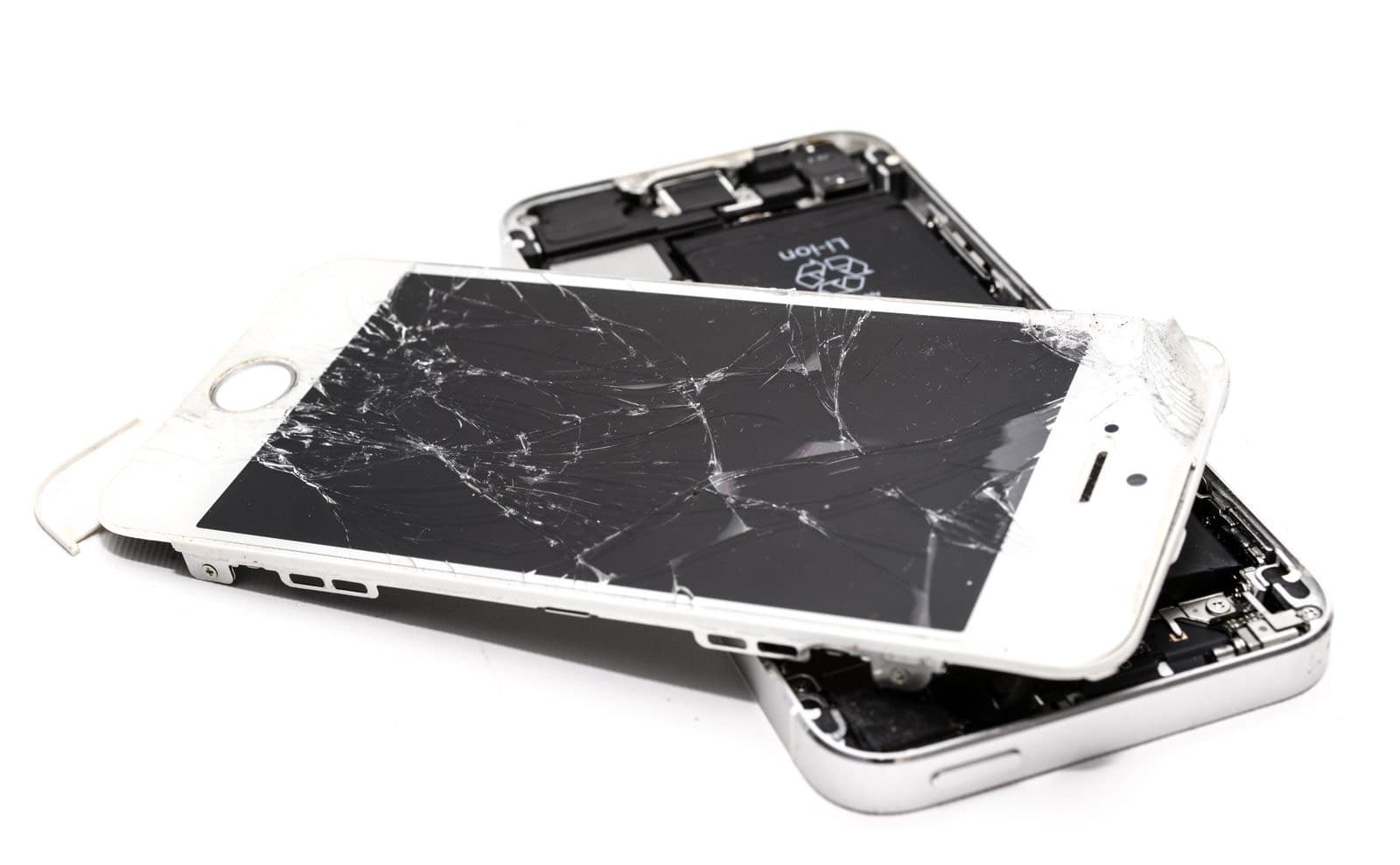
iPhone touch screen not working? Force restart it, then remove the case and screen protector and test it clean and dry. If touch comes back, it was software or an obstruction. If it fails in the same spot, or you see ghost touches or a green line, the screen needs replacing.
A frozen screen and a failed screen look identical from the front. You tap, nothing happens, and now you have an iPhone touch screen not working. But one costs nothing to fix and the other needs a new display. So before you think about repairs, run the two tests below. They take about five minutes.
Why has your iPhone touch screen stopped working?
The causes fall into three groups.
Software. A frozen app or a stuck system process. Usually the whole screen stops at once, and a restart fixes it.
Something between your finger and the glass. A thick or cracked screen protector, moisture, or grease. Wet fingers and gloves count too, which matters in a Chicago winter.
The display. Touch sensing is built into the display assembly. Drops, pressure and liquid can damage it, sometimes with no visible crack.
How do you test for a software fault?
Test one: force restart. On iPhone 8 and later, press and quickly release volume up, press and quickly release volume down, then hold the side button until the Apple logo appears. If you can't turn it off by touch, this still works, and it does not erase anything. If the iPhone screen not responding to touch problem clears up and stays gone, it was software. Update iOS when you can.
Test two: map the dead zone. Take off the case and screen protector, clean and dry the glass, and wash your hands. Touch and hold an app icon until it wiggles, then drag it slowly across the whole screen. If it drops or sticks in the same place every time, that area has lost touch. A consistent dead zone is hardware. A restart will not bring it back.
If an app is the only place it fails, the app is the problem. Update or reinstall it.
What do ghost touches and green lines mean?
These three symptoms are almost never fixed by a reset, so don't lose a day trying.
iPhone ghost touch. The phone taps and types on its own. Remove the case and protector and dry the phone first. If it continues, the touch layer is reporting false input, which usually comes from damage or moisture in the display. It can also dial numbers and change settings on its own, so back up soon.
iPhone green line on screen. A thin line that stays put after a restart almost always means the OLED display has failed, often at an edge where a flex connects. It may appear days after a knock. Take a screenshot and look at it on another device. If the line is not in the screenshot, the fault is in the panel.
iPhone screen flickering. Flicker at low brightness can be normal on some OLED phones. Flicker that gets worse, bands of color, or a screen that flashes when you press on it points to a loose or failing display. If you have just had a repair, the connection is the first thing to check.
Can a screen protector cause this?
Yes, and it is worth ruling out early. Thick glass protectors, a cracked protector or one that has lifted at the edge can cause dead spots and false taps. Peel it off and test the bare glass. It costs a few dollars to replace and could save you a repair.
Cases can also press on the edges of the display. Test with the case off.
What usually turns out to be wrong
Across repair benches the pattern is consistent. Whole-screen freezes tend to be software, and they clear with a restart. Failures in one area, in one corner or along one edge, tend to follow a drop. Ghost touches on a phone that recently got wet tend to be moisture or corrosion. And a phone that works perfectly until you press on the screen usually has a damaged display or a swollen battery pushing from behind.
That last one matters. If the screen is lifting from the frame, stop using the phone and don't press it back down. Bring it in.
When does the screen need replacing?
An iPhone touch screen not working needs replacing if touch fails in the same area after both tests, if you have ghost touches with a clean dry screen, if a line stays after a restart, or if there is a crack over the area that fails. Back up first if you can still operate the phone. You can also use the side button and Siri to get by for a day.
Most screens take about 30 minutes. See the prices on our iPhone screen replacement cost guide, or how the job works on our iPhone screen repair page.
If the phone is under warranty and you did not drop it, or you have AppleCare, Apple is the better first call. A defect is Apple's to fix, and the AppleCare fee is lower than our prices. For anything else, see our iPhone repairs.