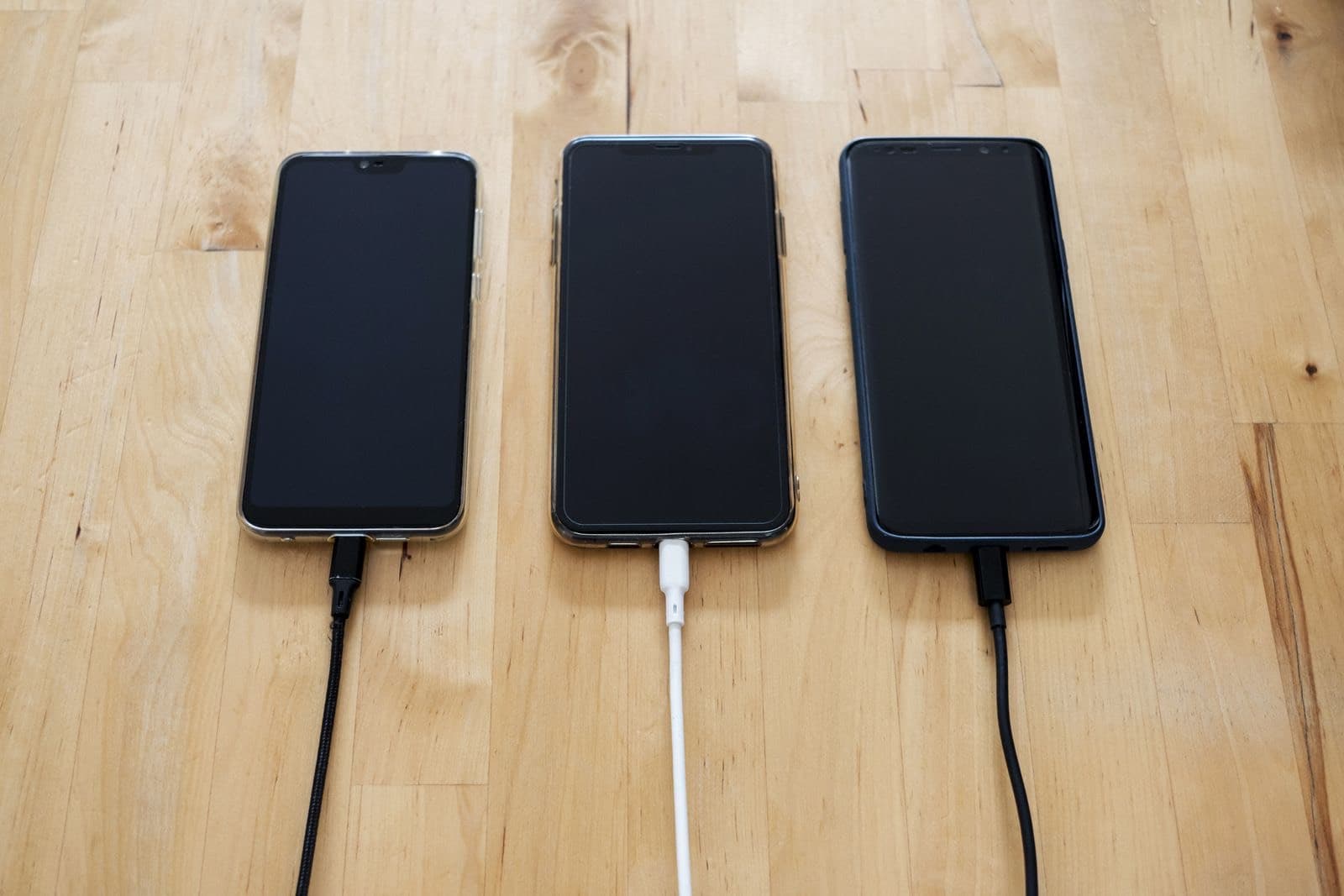
If your phone won't charge, swap the cable and adapter first, then check for a moisture warning and lint in the USB-C port. Restart the phone and test it in Safe Mode. If a known good cable still won't work, the charging port probably needs replacing, and a shop can confirm it.
Android not charging has one extra twist compared with an iPhone: Samsung phones actively refuse to charge if they think the port is wet, and they can be wrong. So a phone that looks broken may be following a rule. These steps are for Samsung Galaxy and Google Pixel phones, and they run from cheapest to most involved.
If you see a moisture warning
Samsung's own explanation is that the phone blocks charging when it senses moisture in the port, to prevent corrosion. A Samsung moisture detected alert shows a water drop icon, and it can sound an alarm until you unplug. Rain can set it off, and Samsung says high humidity can too, so a steamy bathroom or a damp gym bag can trigger it with no spill at all.
- Unplug the cable.
- Wipe the phone with a dry cloth, then gently shake it with the port facing down.
- Leave it somewhere dry with good airflow.
- Don't use a hair dryer, and don't put it in rice.
Wireless charging still works on supported models while the port dries, which is useful if you need the phone today. If it got properly wet, read our water guide.
If the warning stays on a phone you know is dry, Samsung suggests trying a different cable, restarting the phone and clearing the USB settings cache. A false alarm that survives all of that usually means residue or corrosion in the port, which sets off the same sensor.
Check the cable, then the port
Test with a known good cable and adapter, plugged into a wall outlet. USB-C cables wear out, and many cheap ones can't carry fast charging power.
Next, look inside the port with a flashlight. Pocket lint packs in behind the plug and stops it from seating.
- Turn the phone off first.
- Use a wooden or plastic toothpick to lift lint out gently.
- Avoid the thin center tongue, which bends easily.
- Never use a pin or anything metal.
Restart it, then rule out apps with Safe Mode
If the phone is frozen, hold Power and Volume Down together. Samsung says to hold them for at least 7 seconds until the logo appears. Then install any system updates.
A misbehaving app can interfere with charging. Safe Mode turns off downloaded apps as a test. On most Samsung and Pixel phones, open the power menu, then press and hold Power off until the Safe Mode option appears. If the phone charges normally there, a recent app is the likely cause. Restart to leave Safe Mode, then remove recent apps one at a time.
Why USB-C ports fail
The bench knowledge here is simple. A USB-C port is a small socket that takes a lot of side load. Using the phone while it charges, in bed or at a desk, levers the plug against the socket every day. Over time the solder joints or the contacts loosen.
Galaxy phones add a useful detail. On many models the charging port is mounted on a small separate board, not soldered to the main board, so replacing it is a contained job. Some Pixels and budget models are built differently, which is why we price by model and not by brand.
When the port needs replacing
These signs point to a worn or damaged port:
- The cable feels loose or falls out.
- Charging cuts in and out when you move the plug.
- The moisture warning stays on a phone that is dry.
- Wireless charging works but wired does not.
Wireless charging is the cleanest test you have. If it charges on a pad but not by cable, the battery and most of the phone are fine. A port repair usually preserves everything on the phone, too.
If the phone won't charge by cable or wirelessly, the fault may be the battery or the board. We handle that in house through our micro soldering and board repair service. For prices and model details, see Samsung and Android repair or Google Pixel repair.
When to stop and when to use the manufacturer
Stop charging straight away if the phone gets hot near the port, if you smell burning, or if the back is starting to lift, since that can be a swelling battery.
If your phone is under warranty and has no water or impact damage, or you have Samsung Care+, compare that route first. A carrier plan may have a deductible that beats any quote, so read it first, then compare it with our price list.