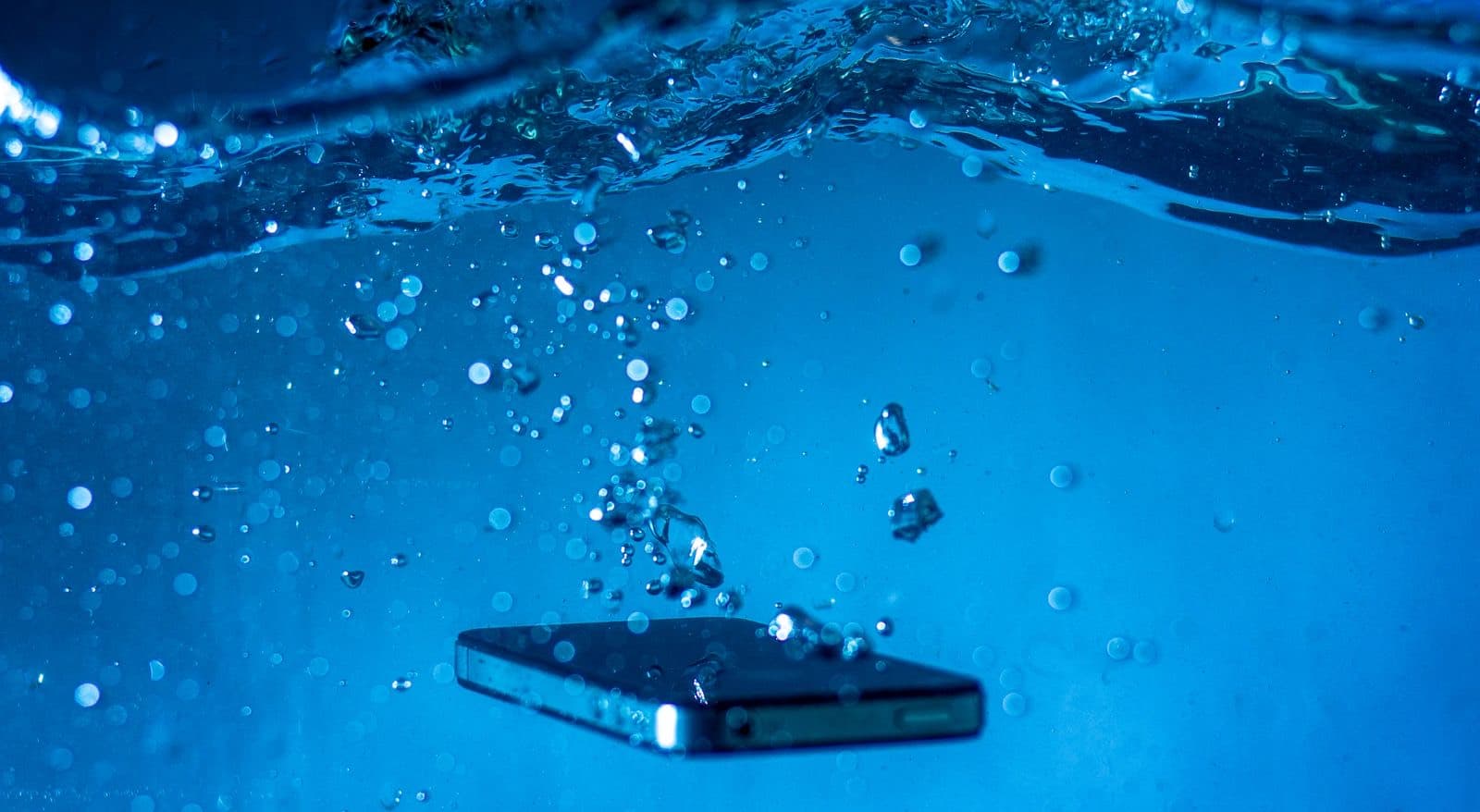
Dropped phone in water? What to do first is simple: take it out, turn it off and keep it off the charger. Remove the case and wipe it dry, then let it air dry with the port facing down. Skip the rice. If it was soaked or the water was salty or dirty, get it cleaned soon.
Water damage is a race, but not the kind people think. The water itself rarely kills a phone in the first few minutes. What kills it is electricity moving through wet components, and then the slow corrosion that follows. So the two things that matter are getting the power off and getting the phone clean.
Dropped phone in water: what to do in the first hour
- Get it out of the water right away.
- Turn it off. If it's already off, leave it off.
- Remove the case, and any SIM tray and memory card once the phone is dry enough to open safely.
- Wipe it down with a soft, lint-free cloth.
- Tap it gently against your hand with the port facing down to let trapped water out.
- Leave it somewhere dry with moving air. A fan blowing cool air at the port can help, according to Apple.
- Back up if the phone is still running and behaving normally, then turn it off again.
What not to do
- Don't charge it. This is the most damaging mistake. Apple says to allow at least 5 hours before charging an iPhone by cable.
- Don't use a hair dryer or a heater. Heat can damage the battery and the seals.
- Don't use compressed air. It can push water deeper.
- Don't press buttons to test them. That can force water further in.
- Don't stick anything into the port, including cotton swabs and paper towel.
Why rice doesn't work
Rice only dries the air immediately around the phone, and it can't reach water sitting inside. It also sheds dust and starch that can end up in your charging port. Apple advises against it. A dry place with good airflow does more.
Why a phone can seem fine and then die a week later
This is the part that catches people out. Drying only removes the water. The minerals and salts in that water stay behind on the board, and they keep corroding connections after the phone feels dry. A wet phone can work for days, then lose its speaker, then its charging, then fail to boot. A dry phone is not a repaired phone.
Not all liquids are equal
The type of liquid changes the urgency more than people expect. This is general repair knowledge, and every phone is different.
| Liquid | What it leaves behind | How urgent |
|---|---|---|
| Clean tap or rain water | Some minerals | Dry it, then watch it closely |
| Pool water | Chlorine and chemicals | Get it cleaned soon |
| Salt water | Salt, which corrodes fast | As soon as you can, today if possible |
| Soda, juice, coffee, beer | Sugar and acid, which stay sticky | Soon, because residue keeps working |
| Toilet or dirty water | Contaminants as well as minerals | Soon, and tell the shop what happened |
| Soap or shampoo | Detergent, which can get past seals | Soon |
Apple lists recent iPhones as resistant to accidental spills from common liquids like soda, coffee and juice. That describes a spill on a healthy phone. A submerged phone with a cracked screen is another story.
What an IP rating covers
Apple's water resistance page lists these ratings, read on November 5, 2026.
| iPhone | Rating | Lab test depth, up to 30 minutes |
|---|---|---|
| iPhone 12 and later | IP68 | 6 meters |
| iPhone 11 Pro and Pro Max | IP68 | 4 meters |
| iPhone 11, XS and XS Max | IP68 | 2 meters |
| iPhone SE (2nd and 3rd gen), XR, X, 8 and 7 | IP67 | 1 meter |
Those are lab conditions on a new phone. Apple says resistance is not permanent and can decrease with normal wear, and that liquid damage is not covered under warranty. A phone that has been dropped, or that has been opened for a repair, should not be trusted near a pool. Samsung says most Galaxy phones are rated IP68 or above and use a sensor that stops charging when moisture is in the port.
If your phone shows a moisture warning, see our Android charging guide or our iPhone not charging guide.
When a wet phone needs a shop
Bring it in soon if any of these apply:
- Your phone fell in water and stayed under for more than a moment.
- The water was salty, dirty or soapy.
- The screen shows lines, the sound is muffled or the phone is hot.
- It won't turn on.
A professional cleaning means opening the phone, disconnecting the battery, and cleaning the board to remove residue. That is what drying at home can't do. Water damage repairs at Nova Fix carry a 30-day warranty, and we can't promise a result before we open a phone. See the process on our water damage page.
When Apple or your plan is the better call
If you have AppleCare, liquid damage counts as accidental damage and is covered for a service fee, so use it. Without coverage, Apple's fix for liquid damage is usually a large "other damage" fee, and a cleaning can be worth trying first. If you have carrier insurance, check the deductible.
If the photos on it are what matter most, tell us that first. Read about data recovery and our guide to recovering data from a dead phone.