iPhone overheating is usually the phone doing what it was built to do during charging, updates, navigation or sun exposure. Stop what it is doing and move it somewhere cool, and it should recover. If it gets hot while idle, or the case or screen starts to bulge, stop charging it and get it checked.
Why is my iPhone so hot? In a Chicago July, the answer is usually that it is working hard in a warm room, or it's sitting on a car dash. A warm phone is often normal. A hot phone is a warning. The useful skill is telling those apart, and knowing the one sign that means stop right now.
Why is your iPhone overheating?
Apple's temperature guide lists the times a phone is expected to feel warmer:
- Setting it up for the first time, or restoring from a backup.
- Completing a software update, especially a major one.
- Charging wirelessly.
- Graphics-heavy games and apps, and long camera use.
- Streaming high-quality video.
Apple calls these conditions normal, and the phone should cool once the task is finished. So an iPhone getting hot during any of those is not a fault by itself.
Outside conditions matter too. Apple designs iPhones for use between 32 and 95 degrees Fahrenheit, and for storage between minus 4 and 113 degrees. A parked car on a hot day can pass that, which is why Apple says not to leave it there. Direct sun, GPS navigation in a car and a game on a beach all stack up.
What does the temperature warning mean?
If the inside of the phone gets too hot, the phone protects itself. You might notice:
- Charging, including wireless, slows or stops.
- The screen dims or goes black.
- Cellular signal weakens as the radios go into a low-power state.
- The camera flash is disabled.
- Apps run more slowly.
In extreme conditions you get the alert "Temperature: iPhone needs to cool down". If you are navigating, the phone can turn off the screen and keep giving directions by voice. None of this is damage. It's the phone doing its job. Let it cool.
Is it safe to keep using a hot iPhone?
If it is warm and shows no warning, Apple says you can keep using it. If it is showing the temperature alert, or it's uncomfortable to hold, stop. Close what you are doing, unplug it and let it rest. Using it through the warning only slows the recovery and ages the battery.
How do you cool an iPhone down safely?
- Stop the task and unplug the charger.
- Take the case off.
- Move it out of the sun and away from any heat source.
- Turn it off if you can spare it for a few minutes.
- Set it on a cool, hard surface, with some air around it.
- Wait. It usually takes a few minutes, sometimes longer.
Don't use the fridge, freezer or ice. Going fast from hot to cold can form condensation, and that puts moisture inside a phone. Don't blow on the port or spray anything either.
What heat tells you about the phone
Across repair benches, the phones that run hot with no good reason tend to fit a few patterns. A phone that stays warm in your pocket doing nothing usually has a busy app, so check Settings, then Battery. A phone that heats up at one spot near the bottom when charging may have a damaged port or cable, and a phone that gets hot after a liquid incident may have a short on the board. Those last two need testing, so don't ignore them. A worn battery works harder for the same result and can run warmer too.
If it comes with fast drain, our iPhone battery draining fast guide is the next stop. If it gets hot on the charger and won't charge, see our iPhone not charging guide.
Can a bad battery cause overheating?
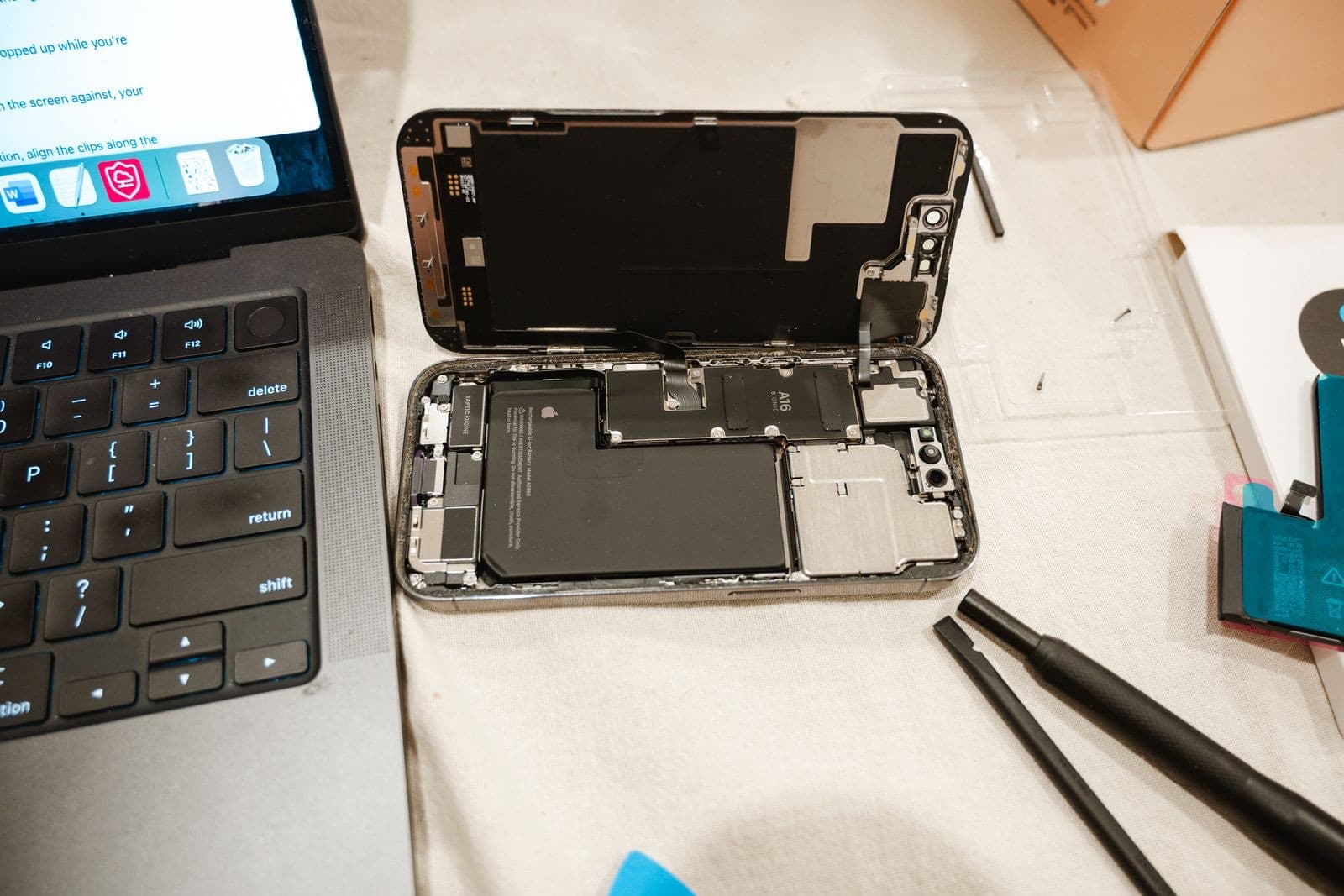
Yes. A battery that is aging or damaged can run hotter, and swelling is the warning you must not ignore. iPhone overheating with a bulge is different from everything else on this page.
Stop charging it and stop using it if:
- The screen is lifting away from the frame.
- The phone no longer sits flat on a table.
- The phone is hot and you notice a chemical smell.
Do not press the screen back in, and do not puncture or bend the phone. Keep it away from anything flammable. Bring it in promptly, or call (773) 741-6682 first if you are unsure. A swollen battery needs replacing, and that is the time for iPhone battery replacement, not patience.
If the phone is under warranty with no damage, or you have AppleCare, go to Apple. If it is hot for no clear reason and you are out of coverage, see our iPhone repairs, and we will find out why.