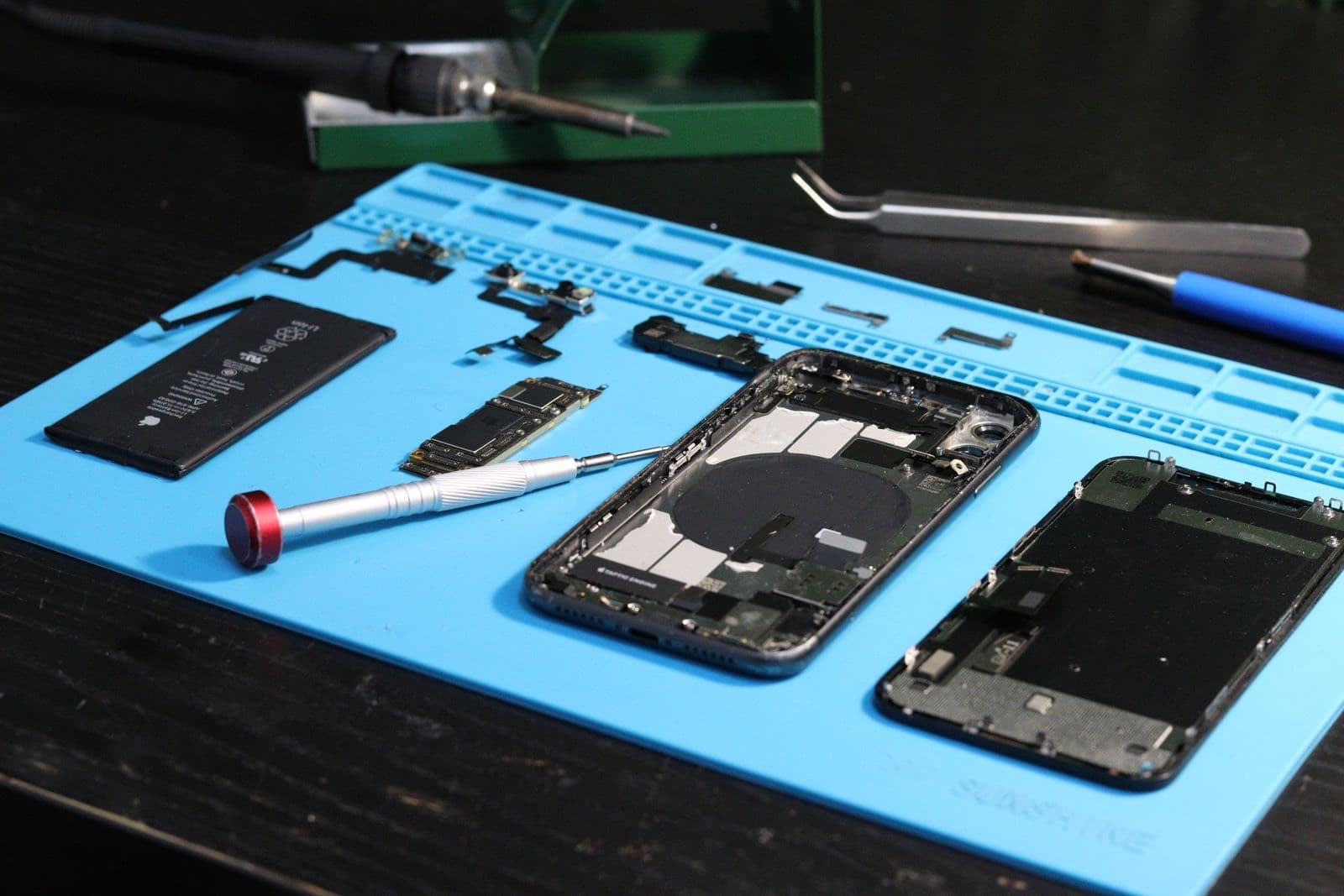
iPhone battery draining fast? Open Settings, then Battery, and look for an app using more than its share. A new iOS update can also drain it for a few days. If the drain is steady, Maximum Capacity is under 80 percent or the phone shuts off early, a new battery is the fix.
Why is my iPhone battery draining so fast? People usually ask this right after one bad day, and they assume the battery is finished. Often it is not. An iPhone battery draining fast is frequently caused by an app, a recent iOS update settling in, or summer heat, and all of those cost nothing to fix. So start with what is free, and use the battery reading to decide when it is time to pay.
Why is your iPhone battery draining so fast?
First work out what kind of drain you have.
| What you notice | Likely cause |
|---|---|
| Started suddenly, in the last few days | An update, an app or a setting |
| Worse in one app or place | That app, or weak signal |
| Got worse slowly over months | The battery itself |
| Shuts off with charge left | The battery |
| Phone is warm when idle | A busy app, or a fault. Read on |
Which settings use the most power?
Open Settings and tap Battery. Apple's guide to fast drain starts here, and it is the most useful screen on your phone for this problem.
Check Insights and suggestions. On iOS 18 and later, Apple shows these just above Daily Usage. They flag things like an update finishing in the background.
Look at the Daily Usage chart. Tap a period to see which apps used the power. A note saying Background Activity means the app was busy when you were not using it. Those are the ones to restrain.
Then change what actually matters:
- Lower the screen brightness, or leave Auto-Brightness on. The screen is one of the biggest power draws.
- Turn on Low Power Mode when you need to stretch a day.
- Use Adaptive Power on models that support it, including iPhone 15 Pro and later.
- Turn off Background App Refresh for apps that do not need it.
- Review location access under Privacy & Security. Navigation and fitness apps can use a lot.
If you live on cellular, a weak signal makes the phone work harder. A phone hunting for a signal drains quickly, and that can make one building or commute look like a battery problem.
Does a new iOS update drain the battery?
Yes, for a while. After a major update your iPhone reindexes photos and files in the background, and Apple's Insights can show an ongoing iOS update. Apple's advice is to wait a few days and then check again. Keep it charged overnight, and don't judge the battery in the first 48 hours.
If drain is still bad after a week, it is time to look at apps and at the battery reading.
Does heat make the drain worse?
Yes, in two ways. Heat makes the phone work less efficiently today, and it ages the cell for good. Apple says very hot conditions can permanently shorten battery life. A phone left on a dash or in the sun on a July afternoon is doing real damage. Cold is different: it can temporarily cut battery life, and it returns when the phone warms up. Chicago winters explain plenty of phones that die outdoors and seem fine indoors.
If your phone is often hot, read our iPhone overheating guide.
When is it time for a new battery?
Open Settings, tap Battery, then Battery Health. On iPhone 14 and earlier it is called Battery Health & Charging. Look at Maximum Capacity.
Replace it when you see these patterns:
- Maximum Capacity is under 80 percent and your day no longer fits.
- The iPhone battery dying fast is steady across days and apps.
- The phone shuts off at 20 or 30 percent.
- It slows down under load or in the cold.
- A service message shows on the battery screen.
If the numbers are fine and you still have an iPhone battery draining fast after a clean week of use, the fault may not be the battery. A stuck process or a failing part can drain a healthy battery. Backing up and doing a clean setup can rule out software, and we can test the rest.
What it costs, and who should do it
Our listed batteries run from $49.99 to $130, and most are done while you wait. Before you pay, read whether replacing the battery is worth it on your phone. Then compare our number with Apple's in the battery cost guide, because on iPhone 12 to 14 models Apple is often the same or lower.
If you have AppleCare and capacity is under 80 percent, Apple lists that service at no extra charge. Use it. Otherwise, see how the job works on our iPhone battery page.