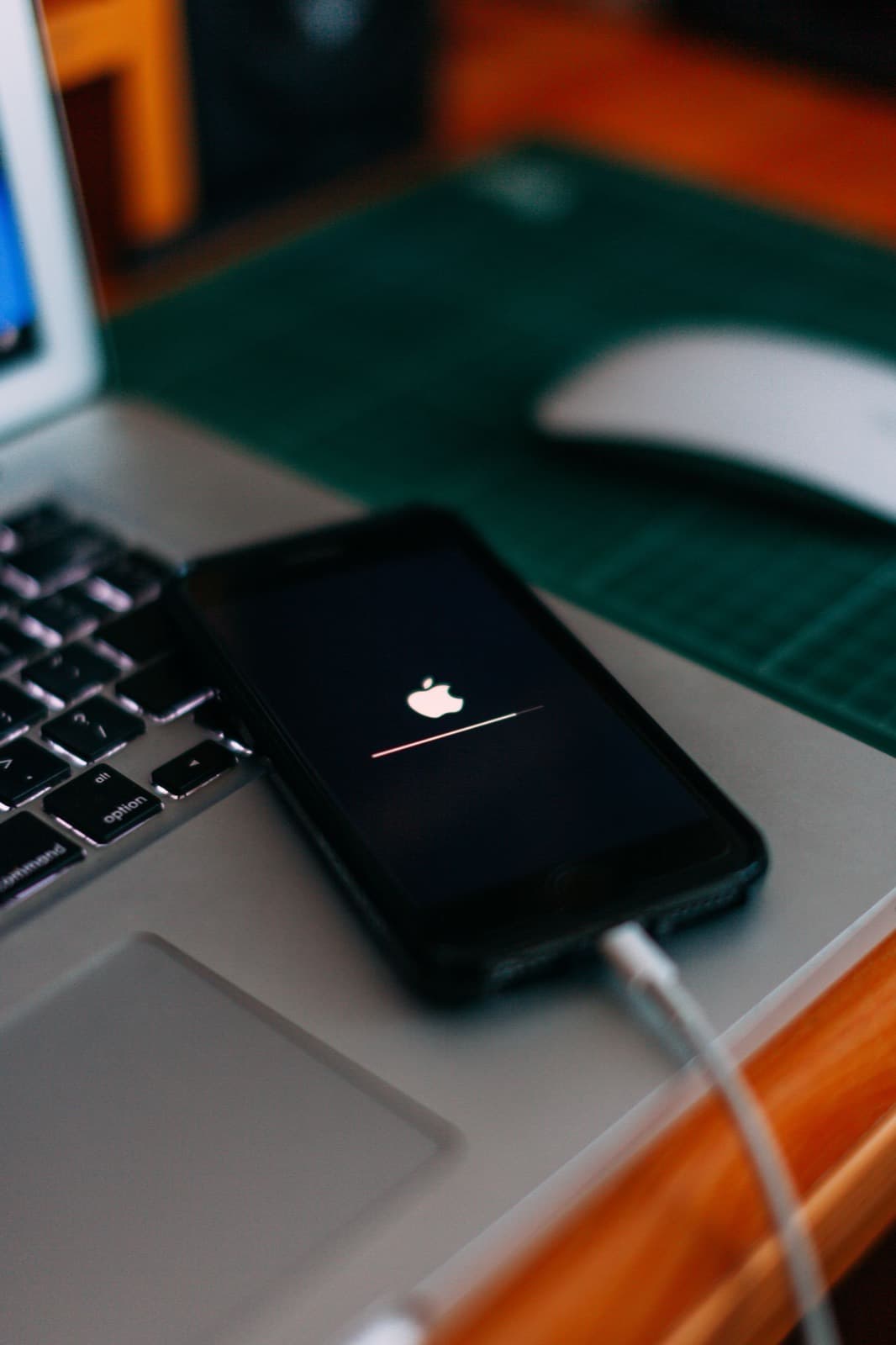
If your iPhone is stuck on the Apple logo, force restart it first, then use recovery mode and choose Update, which reinstalls iOS and tries to keep your data. Restore erases the phone, so save it for last. If the logo keeps returning, the cause is often hardware and needs a technician.
There are two different problems that look the same here. An iPhone boot loop means the phone restarts again and again. A frozen logo means it starts and stops. Both mean startup failed, and the point of the steps below is to find out whether software or hardware is responsible without erasing anything you care about.
Work from safest to riskiest, and stop as soon as the phone comes back. If your photos are not backed up, read the last section before you try anything that erases the phone.
Before you touch anything: was a progress bar showing?
If you see the logo with a progress bar after an update or while moving to a new phone, it may simply be working. Apple says that bar can stay up for over an hour. Give it that long, on a charger, before you step in.
Start with a force restart
A force restart does not delete anything.
- iPhone 8 and later, including SE (2nd gen and up): press and release volume up, press and release volume down, then hold the side button until the Apple logo reappears.
- iPhone 7: hold volume down and the side button together until the logo appears.
- iPhone 6s and SE (1st gen): hold the Home button and the side or top button together until the logo appears.
Plug the phone into a charger too. A battery with almost no charge left can stall at the logo.
Then try Update in recovery mode
If your iPhone won't get past the Apple logo after that, use a computer. A Mac uses Finder, and a Windows PC uses the Apple Devices app or iTunes.
- Connect the iPhone to the computer with a cable you trust.
- Press the same buttons as the force restart, but keep holding past the Apple logo until you see the recovery screen with a computer and cable.
- On the computer, choose Update, not Restore.
- Wait. If the download takes more than 15 minutes the phone can leave recovery mode, so repeat step 2 and try again.
Update reinstalls iOS and tries to keep your data. Restore erases it. Those two buttons sit next to each other, so read carefully.
What is really happening when it hangs
An iPhone runs a chain of checks when it starts. It verifies its software, wakes the storage and brings up the battery, display and sensors. If any step fails, the phone stops or starts over. That explains the odd causes.
Software or storage. A failed update, or a phone with almost no free storage, can leave the system unable to finish. These are the cases Update tends to fix.
A worn battery. An old battery can sag under the load of starting up, so the phone shuts off at the logo and tries again. It looks like a software loop and it is not.
A faulty part on a flex cable. After a repair or a drop, a damaged sensor, port or screen part can make the phone restart every few minutes, because it keeps failing the same check.
The logic board. Liquid damage or a failed chip stops the chain outright. Update usually fails with an error on these phones.
Signs it's hardware
Software steps won't fix a hardware fault, and these are the signs of one:
- The phone was dropped or got wet before this started.
- Update fails with an error on the computer.
- The phone restarts on its own every few minutes.
- The phone gets hot while stuck on the logo.
Faults like these are board-level work, and we do micro soldering and board repair in house on Chicago Ave. Get it looked at before you try Restore, because a Restore that fails partway can leave you with no phone and no data.
Restore and DFU mode, as a last resort
Restore erases the iPhone completely. DFU mode is a deeper version of the same thing. Only use these if your data is backed up, or if you have accepted losing it. Apple's recovery mode steps are current for each model.
When Apple is the better call
If your phone is under warranty or AppleCare and you have no liquid or impact damage, take it to Apple. Be clear about your data first, because Apple's repair may not preserve it, and a replacement phone will not have your photos unless they are backed up.
If your photos aren't backed up
If the phone holds photos you can't lose, stop here. Check iCloud from another device first, because your photos may already be safe. If they are not, don't restore. Our data recovery service and our guide to recovering data from a dead phone explain what can be done. If the phone shows nothing at all instead of a logo, see what to do when an iPhone won't turn on, and find other repairs on our iPhone repair page.