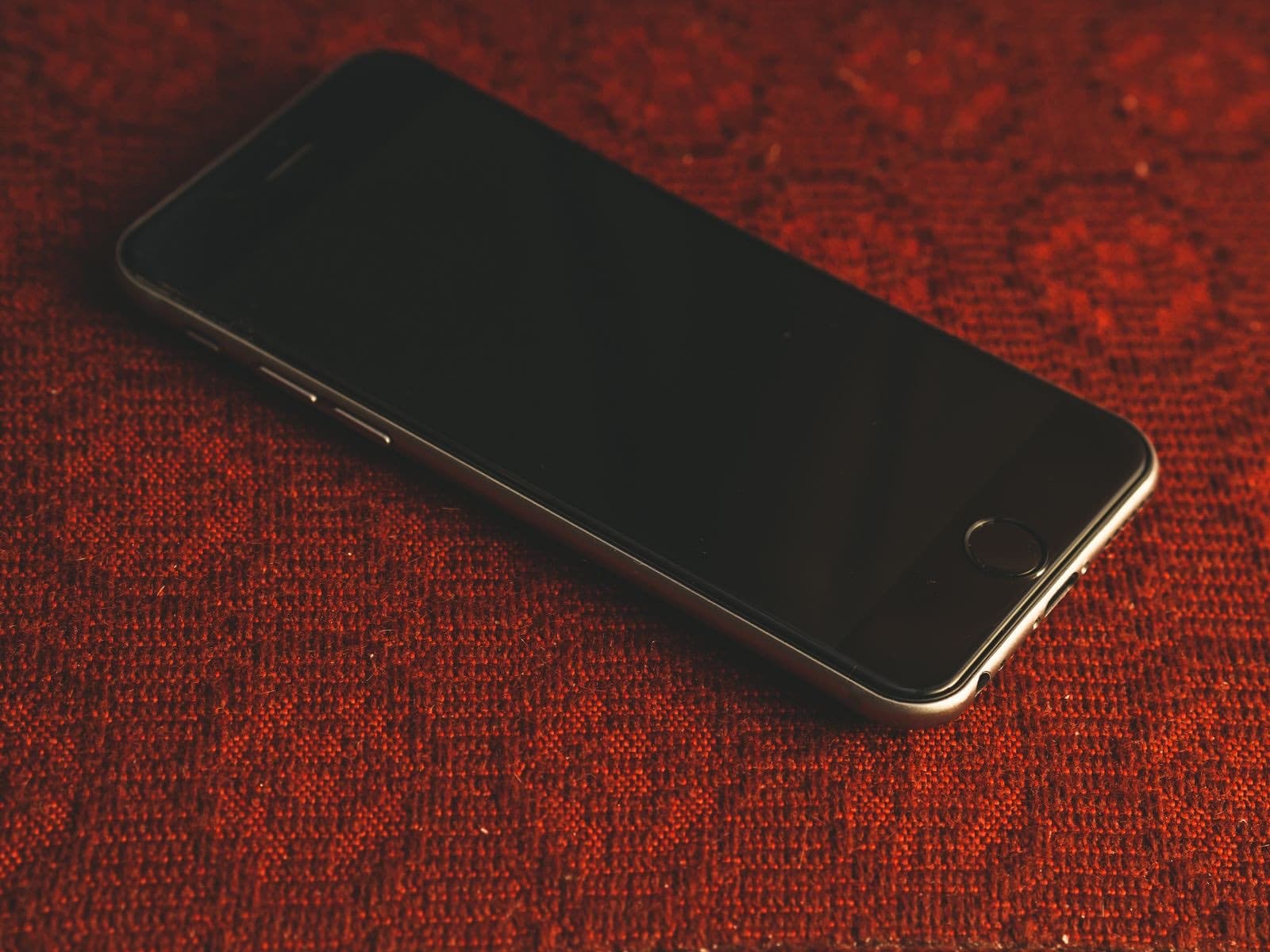
If your iPhone won't turn on, charge it for an hour on a known good cable, then force restart it. Most dead iPhones come back with one of those two steps. If nothing changes, the usual order of suspects is the battery, the screen, then the board, and your data is the thing to protect.
A phone that shows nothing at all is frightening, mostly because of what is on it. Take a breath: an iPhone not turning on is usually not a dead iPhone. Most of them are flat or frozen, and the two free steps below bring most of them back. If they do not, the order things fail in is predictable, and that tells you what to do next.
Why won't your iPhone turn on?
Four causes account for nearly everything, roughly from most to least likely.
- The battery is completely flat, or too worn to start the phone.
- The software has frozen, so the phone is on and not responding.
- The screen has failed, so the phone is on and you can't see it.
- A fault on the board, often from liquid or a hard drop.
How long should you charge a dead iPhone?
Plug it into a wall outlet with a cable and adapter you know work. Apple says to charge for an hour, then try again. If you see a low-battery icon, give it 30 minutes or until it starts. A deeply flat battery can show nothing at all for a while, so don't give up after five minutes.
While it charges, check the port for packed lint. An iPhone won't turn on or charge if the plug is not seating, and that is a free fix. Our iPhone not charging guide covers how to clean it safely.
How do you force restart an iPhone?
This does not erase anything. The buttons depend on your model.
- iPhone 8 and later, including SE (2nd gen and later): press and quickly release volume up, press and quickly release volume down, then press and hold the side button until the Apple logo appears. This can take longer than 10 seconds, so keep holding.
- iPhone 7: press and hold the side button and volume down together until the logo appears.
- iPhone 6s and earlier: press and hold the Home button and the side or top button together until the logo appears.
Most people let go too early. Hold it for a full 20 to 30 seconds before you decide it did not work.
Is the phone off, or is only the screen dead?
An iphone black screen does not always mean a dead phone. These quick tests tell you which you have.
- Flip the ring switch or press the Action button. Do you feel a vibration?
- Call the phone. Does it ring?
- Plug it in. Do you hear the charging sound or feel a buzz?
- Ask Siri something. Does it answer?
- Hold the phone up to a bright light and look closely. A faint image means the backlight or display is at fault.
If you get any of those, your iPhone screen black but still on means the phone is working and the display is not. That is a screen repair, and it is often much simpler than people fear.
If the phone came back but sticks on the logo, see our guide to an iPhone stuck on the Apple logo.
What does it mean if nothing works?
Now the honest order of what fails next.
Battery. If the phone was shutting off early before this, or is a few years old, the battery may be too worn to start it. This is the cheapest of the serious answers. Listed batteries start at $49.99.
Screen. See the tests above. A drop in the last few days raises the odds here.
Charging circuit or port. The phone takes no charge at all, by cable or wirelessly, so the battery never fills.
Board. Liquid damage or a failed power chip. Corrosion can take days or weeks to show after a spill, so think back. This is work for micro soldering, which we do in house, and it needs a test before anyone can quote.
Stop trying if the phone is hot, the screen is lifting away from the frame, or it got wet. Charging a wet phone is the worst thing you can do.
Can you still get your photos off it?
Very often, yes, and possibly without touching the phone. Sign in at iCloud.com from another device, because your photos may already be there.
If they are not, do not erase or restore the phone. Modern iPhones encrypt their storage, so the way to reach your data is usually to get that same phone running long enough to copy it. Our guide to recovering data from a dead phone explains the options, and our data recovery page covers how we do it.
When Apple is the better call
If the phone is under warranty, has no liquid or impact damage, or you have AppleCare, start with Apple. Ask how they will handle your data first, because a replacement phone will not have it. Otherwise, bring it to us on Chicago Ave with your cable, and see our iPhone repairs for what we do.